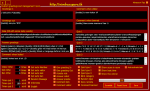
Here i will teach you step by
step how to use chatting
warrior Bot in room..
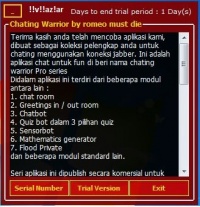
1- Extract the zip or rar file and open the application.. * Right Click>run as
administrator
Now u can use it in Trial
period or u can activate it by
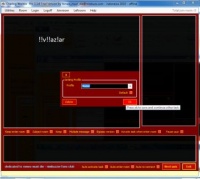
entering serial key . 2- now you have to create a
profile
* Utilities>profile Management
# enter your bot id (if your
bot jid is *~*go!d*~*t!ger*~*@nimbuzz.com , write *~*go!d*~*t!ger*~* , check Default profile box)
now click on ok. 3- Got to Utiliteis>account and
fill the account detail
* Name---- *~*Go!d*~*t!ger*~* * Password -- Bot id's
password
* Resource -- Anything
* Nickname --- *~*Go!d*~*t!ger*~*
* Status --- Blank
* Show --- online / ofline/
away
* Server--- nimbuzz.com
* Host IP--
openfire.nimbuzz.com * Port--- 5222 done .. click on ok button
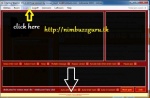
4- Now click on login option
perfix upperface of the
application 5- Now you have to enter
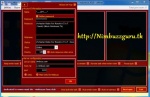
your bot in Chatroom. * Click on Room Config option
Fill the form
# Room name --- (your room
name)
# Password -- passowrd of
room if it is locked or private room
# Conference --
conference.nimbuzz.com
save the setting and click on
join button , bot enters in
room only few things now you
have to do ...
6- UTILITIES>CHATBOT
TOOLS>CUSTOM GREETING &
ROOM
* Check the greeting in box * Check show score in room
* check showthe winner in
room
* Check show the best Time
* check the box Quiz 1 type 2
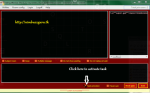
# save the hanges and exit.. Now to activate task you
have to click on Activate Task All is done Now enjoy ________